
System installation
| Double-click the installation file | 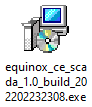 |
| Select the language in which the system will be installed | 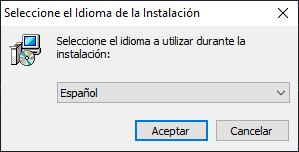 |
| Carefully read the license agreement, then select I accept the agreement and click Next to continue | 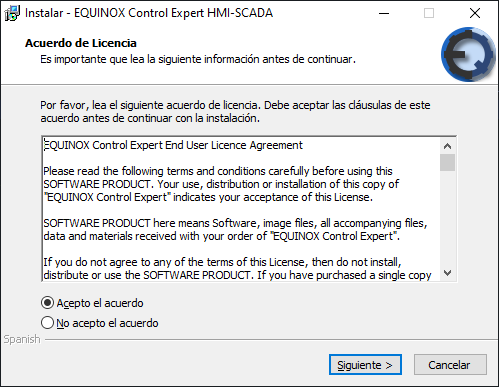 |
| Select the installation folder and click Next | 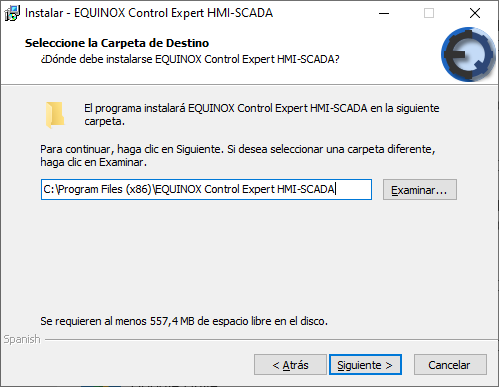 |
| Select the Start menu folder where the program shortcuts will be created and click Next | 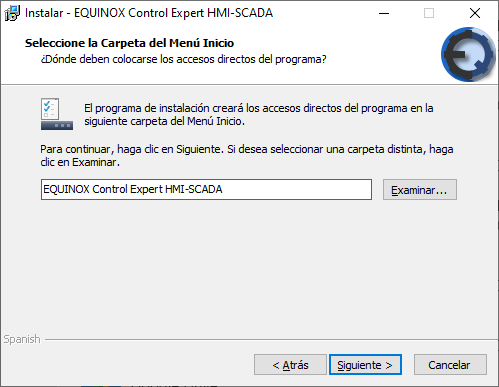 |
| Choose whether to create a desktop icon and whether to create a quick launch icon, then click Next | 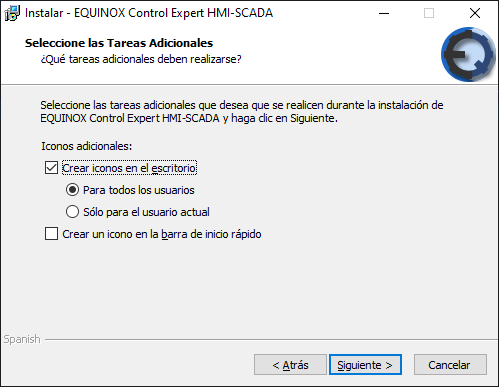 |
| Verify that the entered data is correct and click Install | 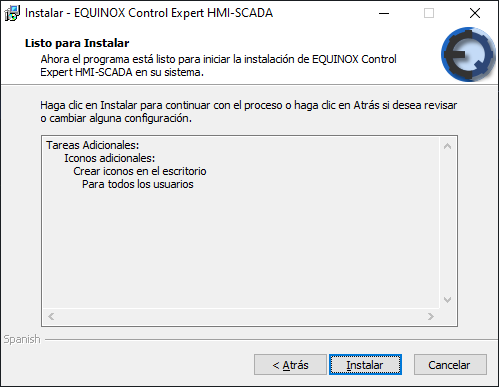 |
| File extraction begins; click Cancel to interrupt the installation | 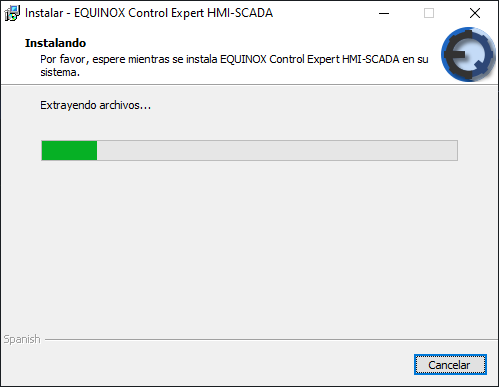 |
| Installation is complete. Click Finish to exit | 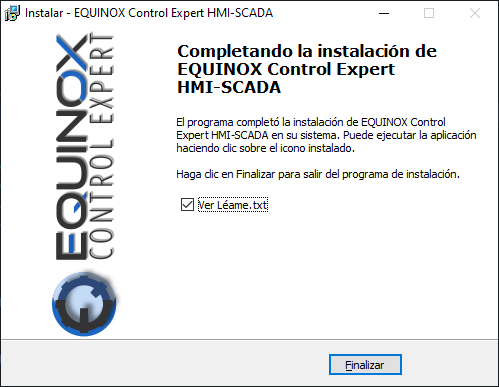 |
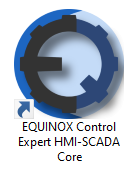
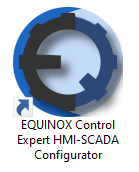
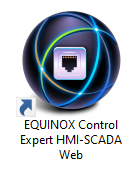
The following shortcuts will be added to the desktop (if selected during installation) and to the Start menu:
Follow this procedure to install your license.