
User login to the system
Use one of the following browsers:


Local login
To log into EQUINOX Web, run the shortcut located in the start menu or on the desktop. Make sure EQUINOX Core is running before logging in.
Alternatively you can access through localhost:8080
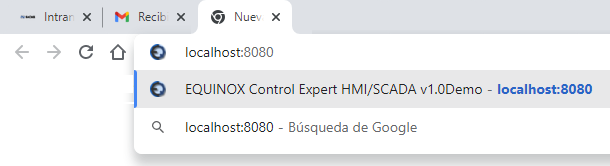
localhost:8080 is the default address and port of the EQUINOX web server. You can change this setting by editing the nignx.conf file in the conf subfolder inside the system folder. If you do so, the EQUINOX Web shortcut must be updated accordingly.
Login from the corporate network or the Internet
To log into EQUINOX Web from another computer on the same network or from the Internet, instead of localhost you must enter the IP address or hostname of the server where the system was installed, with port 8080. Example: 192.168.1.123:8080
If access is from the Internet, the address will correspond to the company’s public IP or domain; in this case the modem or firewall located at the boundary between the corporate network and the Internet must be configured accordingly. The port may or may not be 8080, depending on how it has been configured.
User interface
Enter the username and password of a user and click Connect. Remember that the user must be defined beforehand. The name of the active project can be seen, in this case “Demo”.
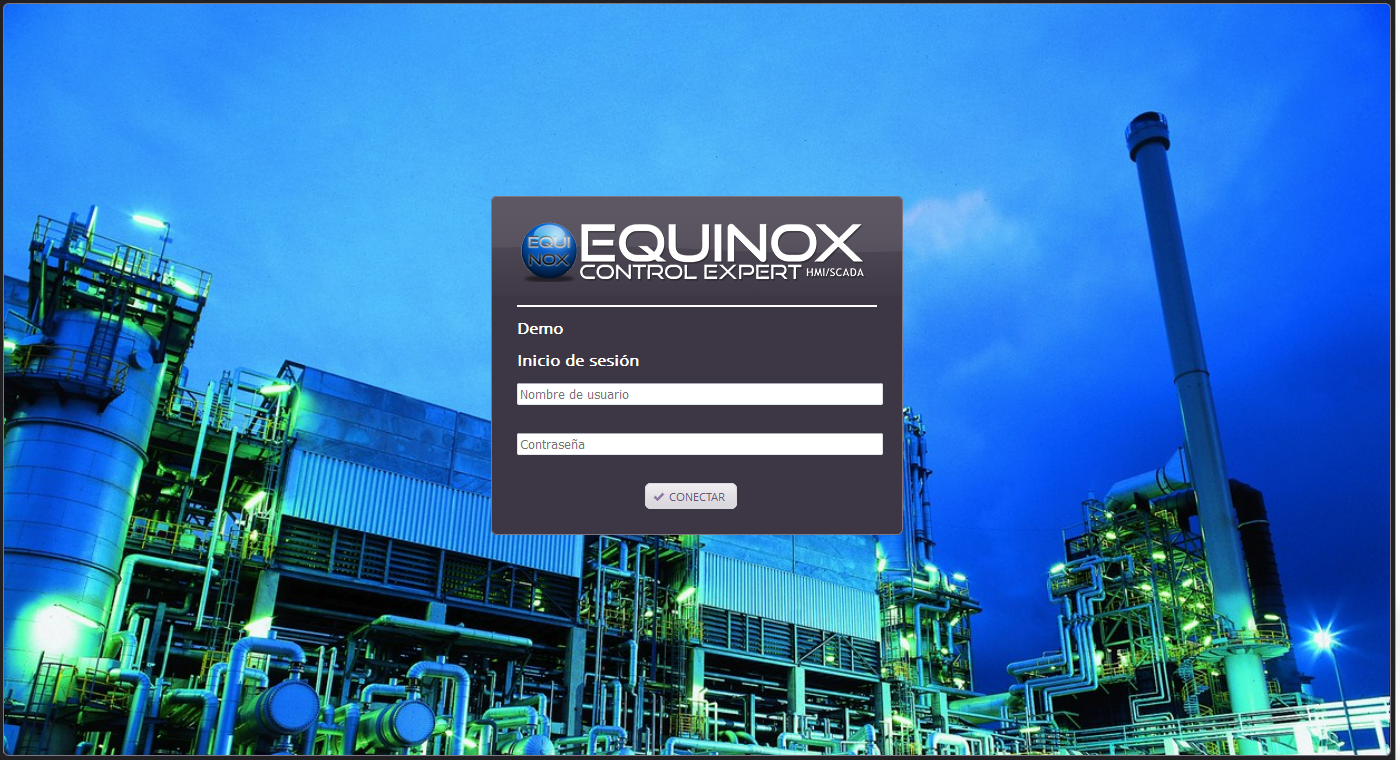
Once the required data has been entered, the operator is ready to work with the processes under supervision. As can be seen, this connection can be established in a few seconds and without the need to install any additional software.
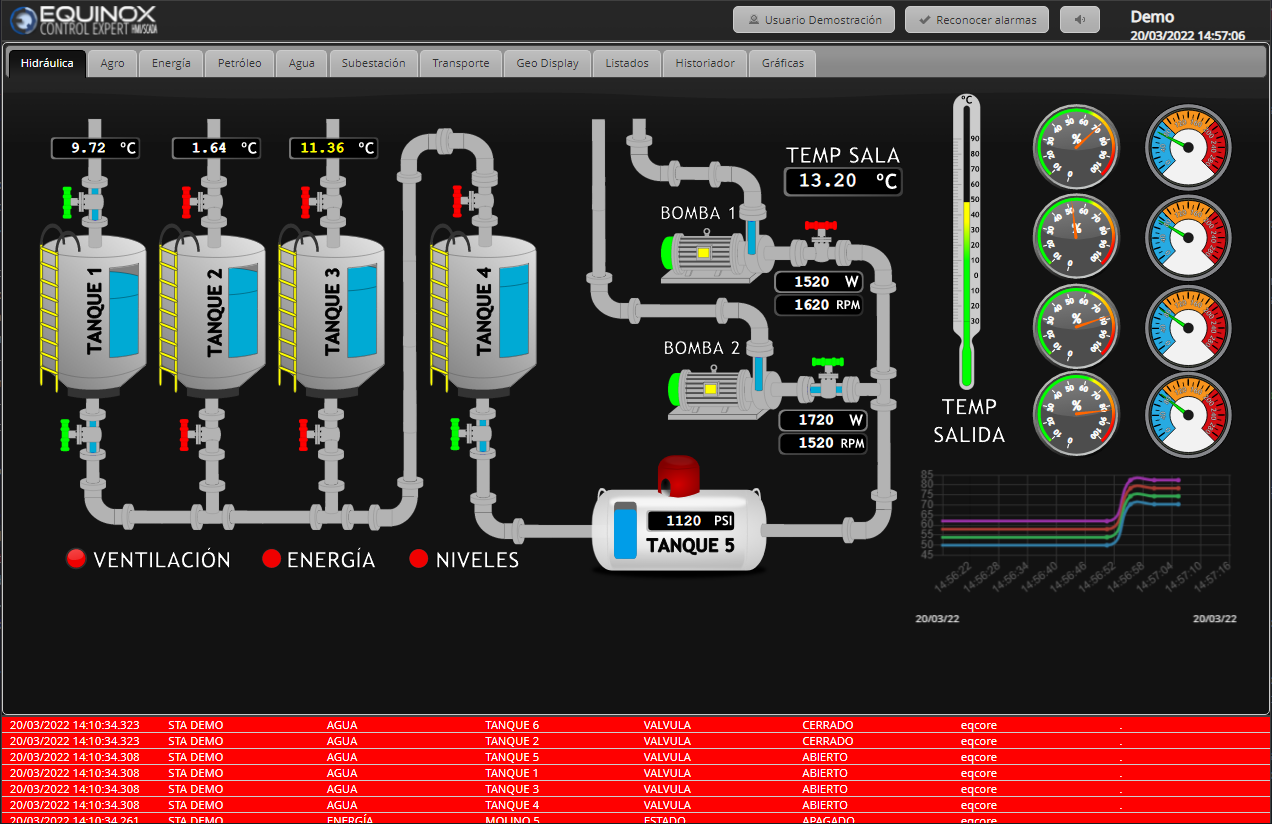
Sections
At the top are the tabs, one for each Display assigned to the connected user, plus three additional ones: Logs, Historian and Trends.
In the lower panel the latest alarms of all Devices are shown, with the colors defined in each Alarm group and sorted according to their priority. This information is always displayed, regardless of the selected tab.